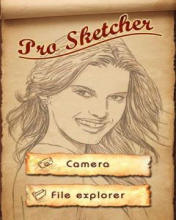
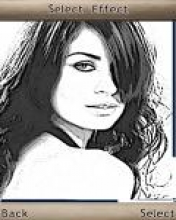
Turn any photo into a drawing In only three simple steps:
1. Take a photo with the camera or find a ready in the phone.
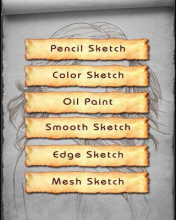
2. Choose one of five filters: Pencil Sketch, Color Sketch, Edge Sketch, Line Sketch, Smooth Sketch.
3. Save the finished image files, Put on the wallpaper or publish it on the web.
* Attention!
~ The application requires permission to access the camera, Access to reading and writing data.
~ The higher the resolution of the photo, The effect looks better filters But require more hip memory from your phone.

176x208: S60 2ed
176x220: SE K550, K610, K700, K750, W350, W810, Z710
v1.2 Download [157.09kb]
240x320: S60 3ed
240x320: SE K770, K800, S500, T650, W850
v1.2 Download [213.45kb]
360x640: S60 5ed
360x640: SE U1i (Satio), U5I (VIVAZ), U8i
360x640: SAM i8910, i8910U, M8000
v1.2 Download [465.90kb]

 Downloaded by: 520 Users!