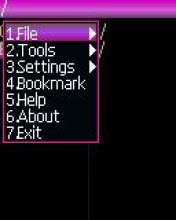
Chinese two-pane filemanager, copy of MiniCommander.
Options:
* MengTong Features:
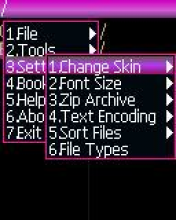
~ Theme support
~ Theme Editor
~ Open a file as text
~ See FC
~ Text Editor
~ Update files within an archive
Editing the MANIFEST.MF
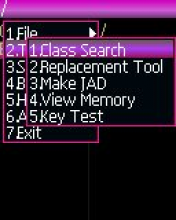
~ Search the text in class files (BE)
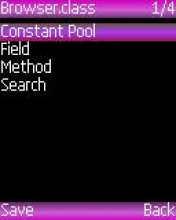
~ View the class files (BE)
~ Create a zip archive (chen, rsRk)
~ Batch rename
~ Batch change extension
~ View images
~ Encoding UTF8, GB2312
~ Tight control
* Corrections of v2.4 :
~ Added some character sets, automatic operedelenie
~ Added Google Translate (Russian, English, Chinese)
~ Update from the copy-and-paste
~ Adding a character in a text editor (long press *)
~ Added a text editor and code editor, switch the virtual keyboard
~ The text editor and code editor for switching functions, first open the text file in a text editor, and then press 1 to return to the file list, and open the class in the code editor, press 1 to switch to the newly opened text editor interface, and press to return to the Code Editor
After waiting for a time on a touch screen mobile phone in the lower-right corner, click on the triangle to open the virtual keyboard to enter.

Total visits on this page:
1152